Managing guest communication is one of the most time-consuming parts of running an Airbnb. BnBuddy's AI assistant answers guest questions 24/7 using your property's specific details — check-in instructions, WiFi passwords, house rules, local recommendations — replying in whatever language your guest writes in. It responds in seconds, keeping your response rate at 100% while you focus on what matters. Best of all, your first property is free forever — no credit card required. Here's how to set it up in three simple steps.
Step 1: Connect Your Listing
Head over to app.bnbuddy.com/start and choose the fastest path: import your existing Airbnb listing in one click. BnBuddy's AI pulls your property details, photos, and data automatically and builds your digital guide and AI assistant for you — no retyping anything you've already written.
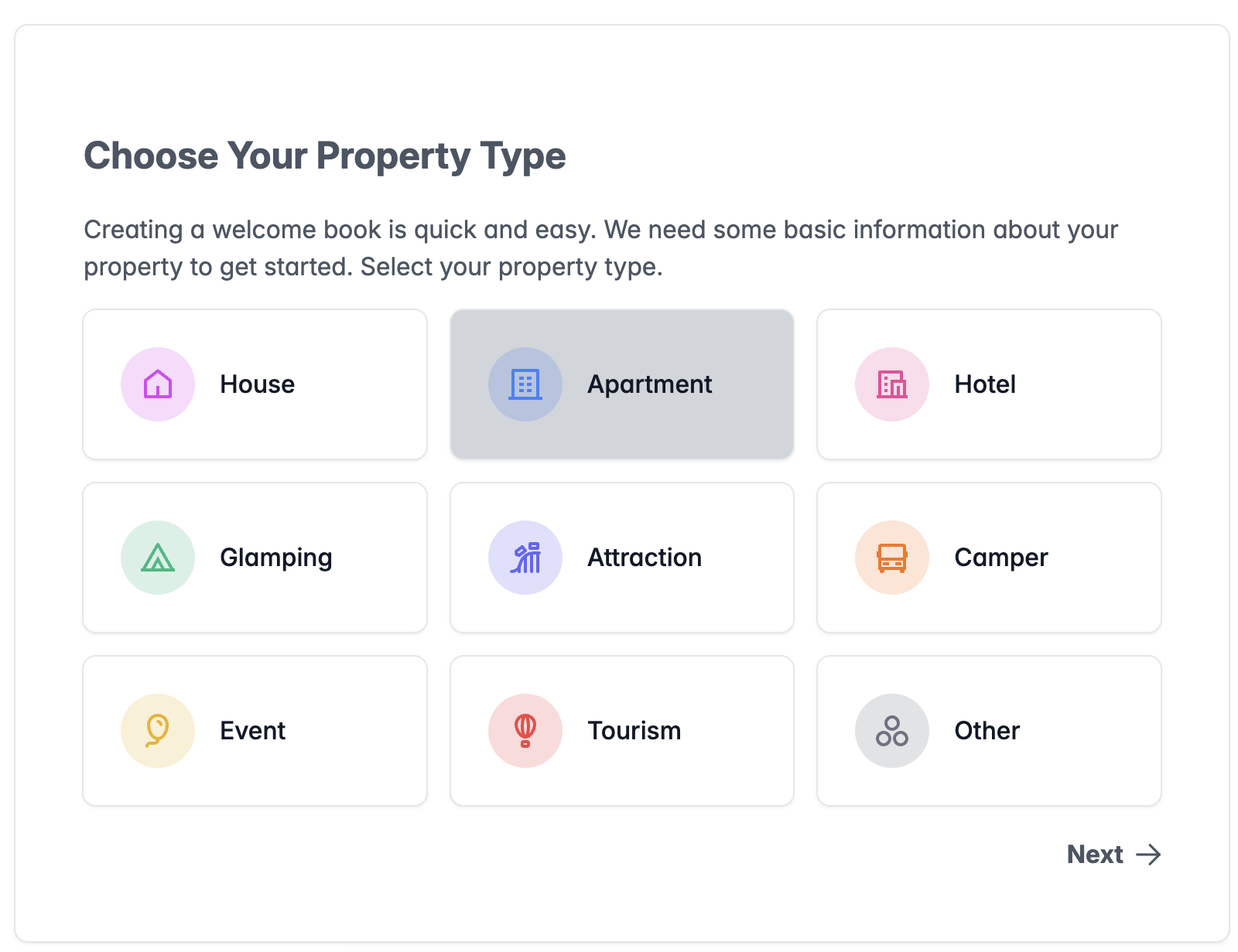
Starting from scratch or not on Airbnb yet? Use the creation assistant instead: pick the property type that best fits your rental — house, condo, glamping site, boutique hotel, or something entirely unique — enter your address, pin your location on the map, and watch as BnBuddy generates a beautifully pre-made digital guide and AI assistant tailored to your property. You can also feed the AI generator free text, a PDF house manual, or an existing listing URL and it builds the guidebook structure for you.
Step 2: Customize Your Guide and AI Assistant
Once you're signed up and logged into the BnBuddy dashboard, it's time to provide your AI assistant with the essential information it needs to effectively answer guest questions.
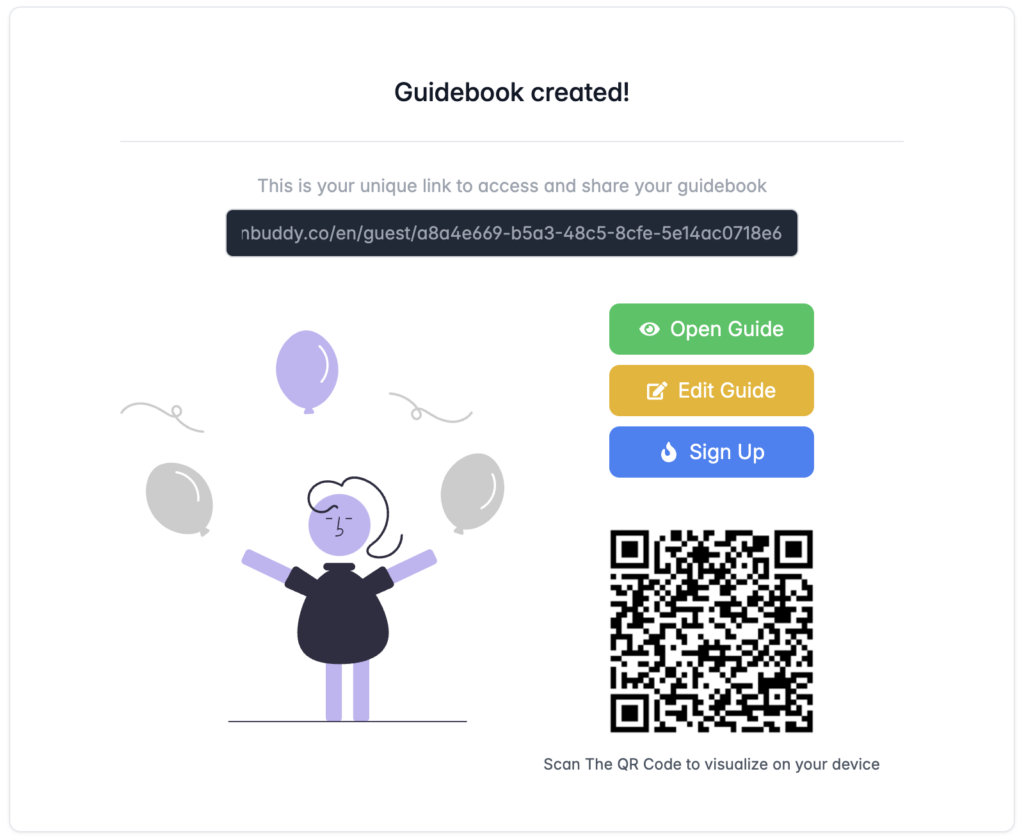
Organize your details into sections like Welcome, Arrival, Connectivity, Rules, Contact Numbers, or any other type of information you think is important (you can add custom sections as well). The more detailed you get, the sharper your assistant will be when responding to guest queries. Don't forget to click the Save button after updating each section.
Upload Context Files: You can upload property context files directly from the dashboard — house manuals, local area guides, restaurant menus, PDF instructions, spreadsheets, and images. The AI uses these documents as additional context to provide even more accurate and detailed responses to guest questions. This means less manual data entry and smarter answers right out of the box.
New: AI Guide Translation: Hosting international guests? Pro hosts can translate their entire guidebook with one click into Spanish, French, Portuguese, German, Italian, Japanese, Chinese, and Korean. Guests switch languages with a toggle inside the guide — no duplicate guides to maintain.
Step 3: Go Live & Automate Guest Communication
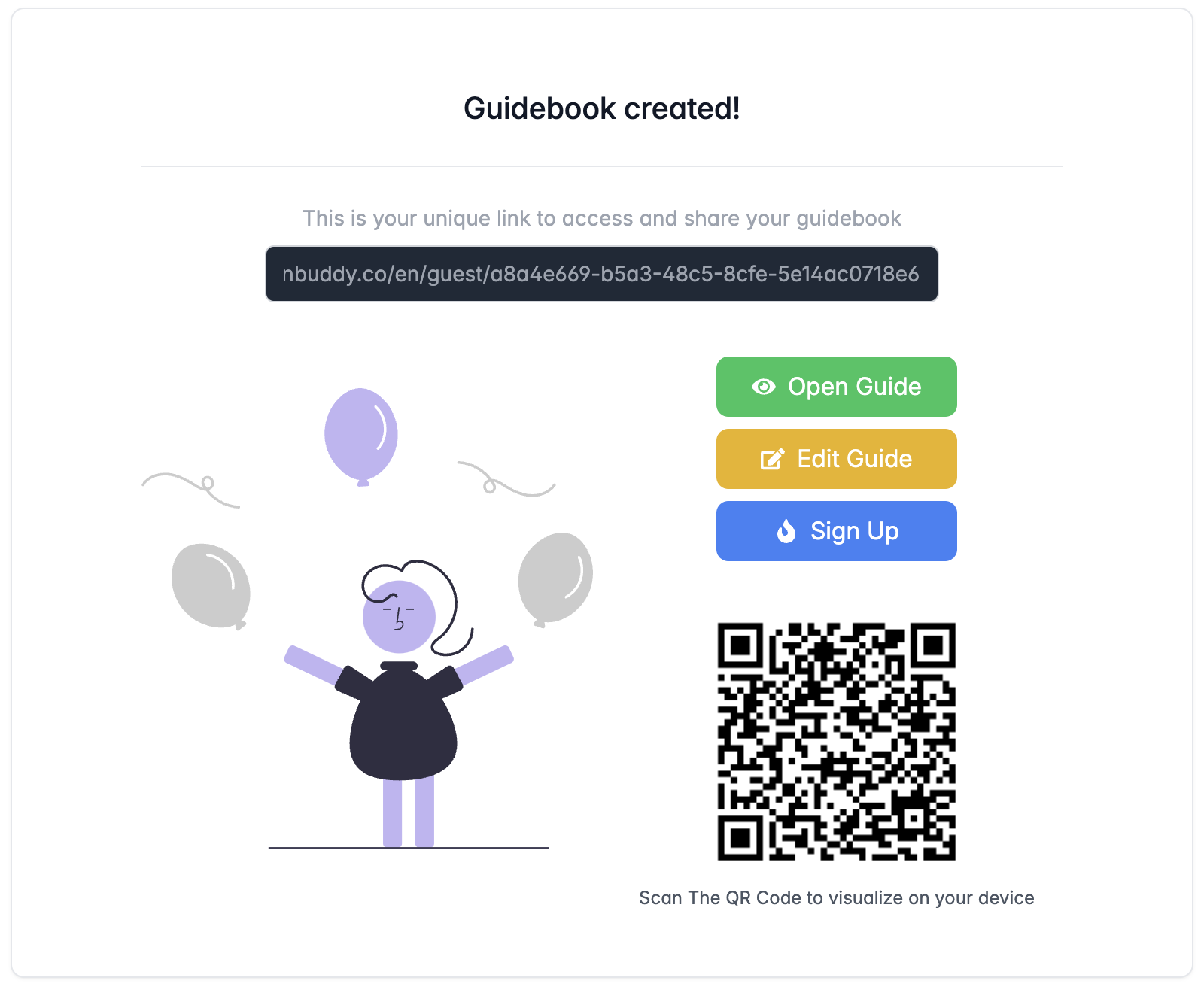
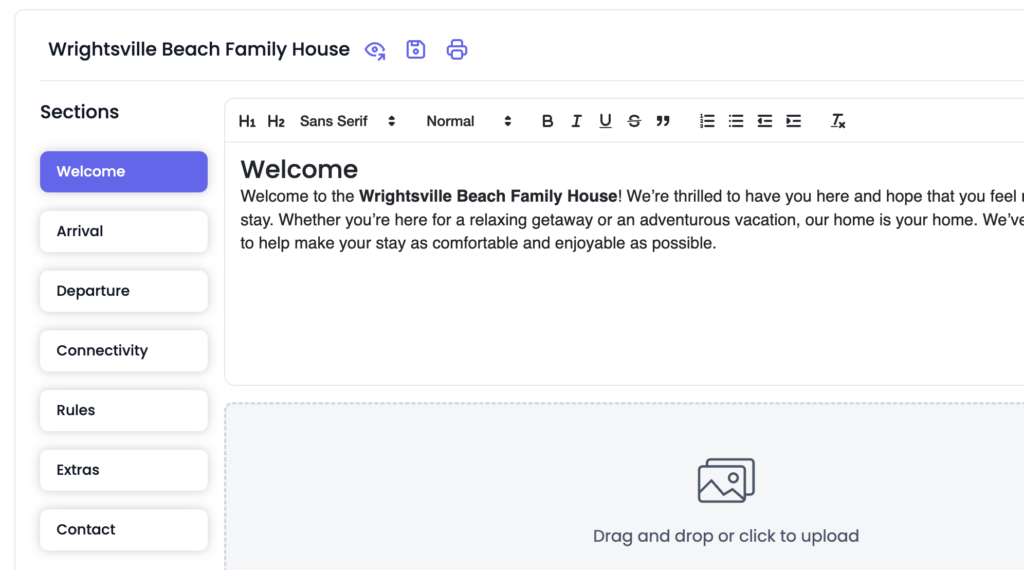
Now it's time to share your AI-powered guide with the world! Guests get BnBuddy's redesigned mobile-first guidebook — a clean bento-grid home screen with full-screen sections for arrival, WiFi, house rules, amenities, local picks, and an interactive map of your recommendations. BnBuddy provides a unique link you can easily send to guests via WhatsApp, email, or your Airbnb messaging templates, plus an auto-generated QR code you can display at your property — guests simply scan and they're connected to your AI assistant immediately. Edit your guide once and every future guest sees the latest version — no more outdated binders with wrong WiFi passwords.
Want to keep your guide private? Set an optional 4-digit passcode so only current guests can open it — handy if your guide contains door codes or lockbox instructions.
Curious what guests will see? Check out a live guidebook demo →
What Can Your AI Assistant Answer?
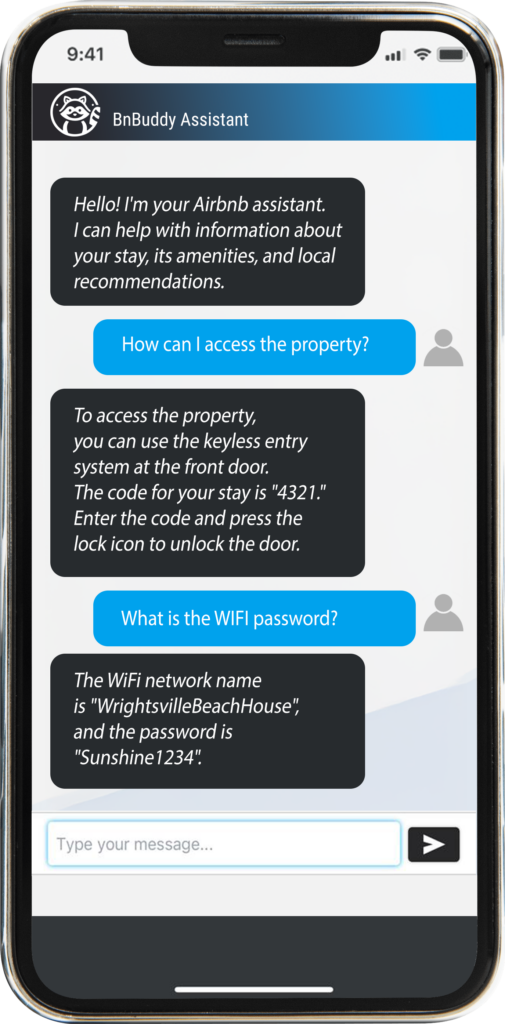
Once set up, your BnBuddy AI assistant can handle a wide range of guest questions instantly:
- WiFi & connectivity — "What's the WiFi password?"
- Check-in & check-out — "How do I get the keys?" / "What time is check-out?"
- House rules — "Is smoking allowed?" / "Can I bring my pet?"
- Local recommendations — "Where's the best coffee shop nearby?"
- Appliance instructions — "How do I use the washing machine?"
- Emergency contacts — "Who do I call if something breaks?"
- Transportation — "How do I get to the airport from here?"
The AI responds in seconds, in the guest's language, ensuring they never have to wait for a reply — and you never have to answer the same question twice.
"BnBuddy gave me my own booking website — mexicostays.mx. I manage 5 properties in Cancún and now guests book directly through my site instead of Airbnb. I keep 100% of the revenue and the AI handles guest questions 24/7." — Lucia, owner of Lua Boutique Studios & mexicostays.mx · Superhost in Cancún · 5 properties

Go Further: Your Own Booking Website
Your AI assistant and guidebook are just the start. With BnBuddy Pro ($19/month), you also get a branded rental website on your own custom domain with a live availability calendar (synced automatically from your Airbnb and other channels via iCal), bookings via WhatsApp and email, and — new — direct online card payments powered by Stripe, so guests can book and pay you directly and you stop losing 15% of every reservation to platform fees. One plan covers up to 6 properties. See a live example →
Frequently Asked Questions
Is the AI assistant free?
Yes. Your first property is free forever — no credit card, no trial period, no expiry date. The Free plan includes an AI-generated guidebook, one-click Airbnb import, unlimited guest views, and AI chat. When you're ready to grow, Pro is $19/month for up to 6 properties with unlimited AI chat, a branded rental website with online payments, AI guide translation, and iCal calendar sync. See full plans →
What languages does the AI support?
The chat assistant detects the guest's language automatically and responds in whatever language they write in. Pro hosts can also translate the full guidebook into eight languages — Spanish, French, Portuguese, German, Italian, Japanese, Chinese, and Korean — with a built-in language toggle for guests.
Can I customize the AI's tone and personality?
Yes. The AI adapts its responses based on the information you provide. Write your sections in the tone you prefer — friendly, professional, or casual — and the AI will match it.
Does it work with platforms other than Airbnb?
Absolutely. BnBuddy works regardless of where your property is listed — Airbnb, VRBO, Booking.com, or direct bookings only. The guide link works universally.
Can guests book directly through BnBuddy?
Yes. Pro hosts get a branded rental website on their own domain with a live availability calendar, iCal sync, booking via WhatsApp and email, and direct online card payments via Stripe — perfect for taking direct bookings and skipping platform fees. Property managers with 7+ properties can get a custom plan with unlimited properties and PMS integrations.
Do I need technical skills to set this up?
Not at all. If you can use a smartphone, you can set up a property page, guidebook, and AI assistant in minutes. No coding or technical knowledge required.
Ready to Get Started?
Stop answering the same guest questions over and over. Let BnBuddy's AI handle communication while you focus on growing your hosting business. Your first property is free — just your email to get started, no credit card. Create your free AI assistant now →
Have questions first? Talk to us on WhatsApp or compare plans.
Want fully managed property service instead? Explore our Airbnb management services — co-hosting and premium management, commission-based, currently in select cities.